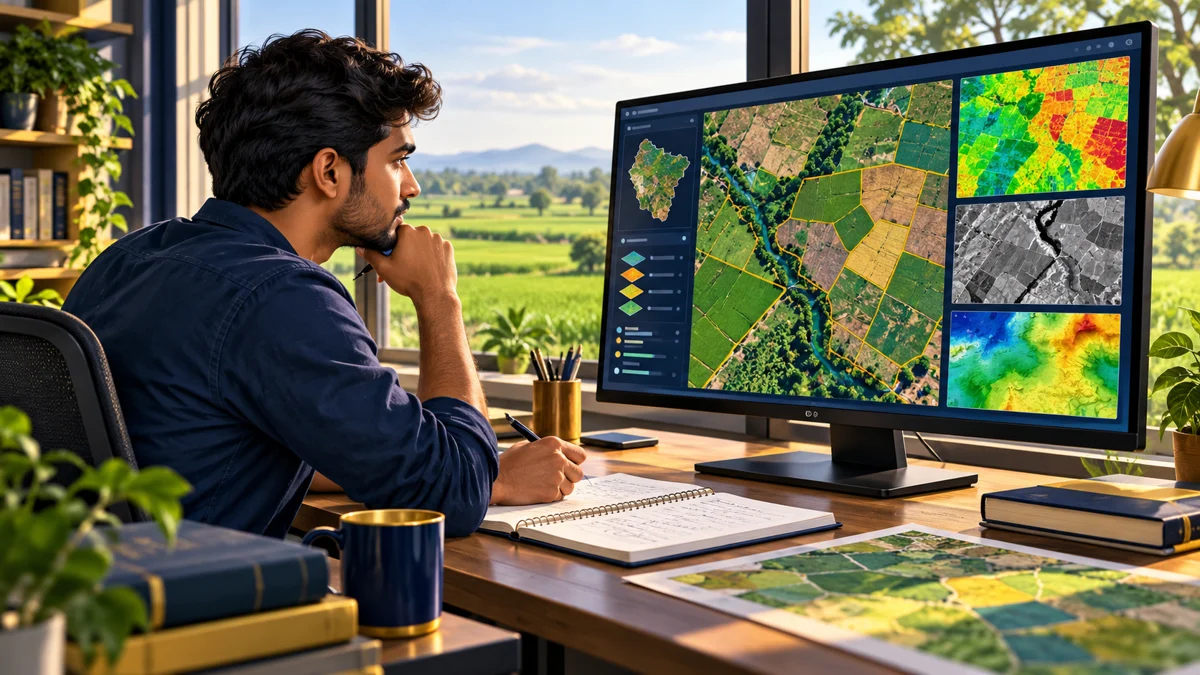
Your first agriculture GIS project does not need a complicated model. Start with one question, a small area and data you can explain. A clear map with a short methods note can show more understanding than a colourful image with no indication of where its information came from.
Two data ideas to understand first
QGIS's vector-data introduction explains features represented as points, lines and polygons. Its raster introduction describes information stored in a grid of cells. Both can appear in an agricultural mapping exercise, but the format alone does not tell you whether the data answers your question.
Before combining layers, check what each represents, its date, units, spatial reference and limitations. A field boundary and an image from a different period may require an explanation before they can sensibly be interpreted together.
Pick a question small enough to finish
A good beginner question makes its scope visible. For example: “What information is available for a simple learning map of this study area?” is more manageable than “Can I predict every farm's yield?”
| Exercise | Evidence to include |
|---|---|
| Study-area map | Boundary source, location, scale and the reason the area was selected. |
| Observation map | Permitted observation points, collection date and what each point actually records. |
| Layer comparison | Dates, definitions and a discussion of whether the layers can fairly be compared. |
Discuss the plan with a teacher if it involves field collection or access to a farm. You can practise the workflow with openly licensed or instructor-provided material before collecting anything yourself.
A practical four-stage workflow
- Frame and document. Write the question, study area and intended audience in a few sentences. Record source URLs, access dates and permitted uses for each dataset.
- Inspect before styling. Look at coverage, missing information, attributes and spatial alignment. Keep a note of issues instead of hiding them under a polished colour scheme.
- Create an understandable map. Use a descriptive title, meaningful legend and the context needed to read it. Choose colours that distinguish the categories or values you are actually showing.
- Check the interpretation. Ask a classmate to explain what the map says without your help. Revise ambiguous labels, then add a short note on uncertainty and limitations.
These stages are an editorial learning plan, not a fixed completion schedule. Spend longer where you find a gap in your understanding. A small reproducible project is a useful result even when the answer is limited.
What to include in the final portfolio entry
- Question and scope: what you set out to investigate.
- Data register: who supplied each layer, when and under which terms.
- Method note: the steps needed to understand or reproduce the output.
- Map and explanation: what is visible, what you inferred and what still needs validation.
- Your contribution: which work you completed and what help you received.
A map is not automatically a diagnosis or a recommendation. Do not present a learning exercise as proof of crop stress, disease or expected harvest without the evidence and expertise required for that claim.
Use official resources without assuming a certificate
IIRS describes live interactive and self-paced e-learning modes for geospatial learning. Check the current course notice for the applicable registration, eligibility, fee and certificate conditions. A general programme description is not proof that a particular batch is accepting applications.
Use the official IIRS e-learning portal and the QGIS documentation above as starting points. Choose material that fits the project, then practise explaining the result in your own words.
Quick questions
Kya pehle coding aani zaroori hai?
Apna pehla learning task basic map-reading aur data understanding par rakh sakte hain. Coding ki need project aur chosen tools ke hisaab se decide karein.
Kya ek map banane se GIS job mil jayegi?
Job guarantee nahi hoti. Portfolio ka purpose aapki approach, evidence aur learning clearly dikhana hai.
Related reading
Digital Agriculture Internship: learning areas and applicant checks
References
IIRS programme information and QGIS's vector/raster introductions, linked above, were checked on 19 October 2026. The project sequence and portfolio checklist are original editorial guidance.
